PdfForAll: Your office in your pocket.
PdfForAll is not your average read-only or partial editing app. It is a highly advanced suite that natively supports **all standard PDF annotations** (freehand drawings, notes, forms, and highlights). It introduces unique features like importing and **converting text, Word, and Excel files to PDF offline**, advanced form and table filling, and incorporating **perspectively flattened Photo Albums** and **Interactive MP4 Videos** perfectly fused onto the page.
🛠️ Revolutionary Tools
🔄 Universal Converter (Read and Convert Word, Excel, TXT)
Don't have a starting PDF file? From today, you can read any office format directly in your pocket. Thanks to the **built-in offline universal converter**, you can instantly import and convert plain text (.txt), Word (.doc, .docx), and Excel (.xls, .xlsx) files into clean, standard A4 PDF pages. The entire process happens offline on your device, ensuring privacy and security without needing an internet connection.
📝 Smart Form Filling (Precision Form Filling)
Filling and completing a form has never been so smooth and clean. The app analyzes the page and automatically sets left-alignment by calculating the actual minimum margin. If you write in a table, the app detects the row number and inserts automatic dot paddings to maintain alignment. Furthermore, it recognizes if there is a blank space on the left of a line and automatically injects a [ ] checkbox.
🎥 The Magic of Videos on PDF & "SerVideoPlayer" Engine
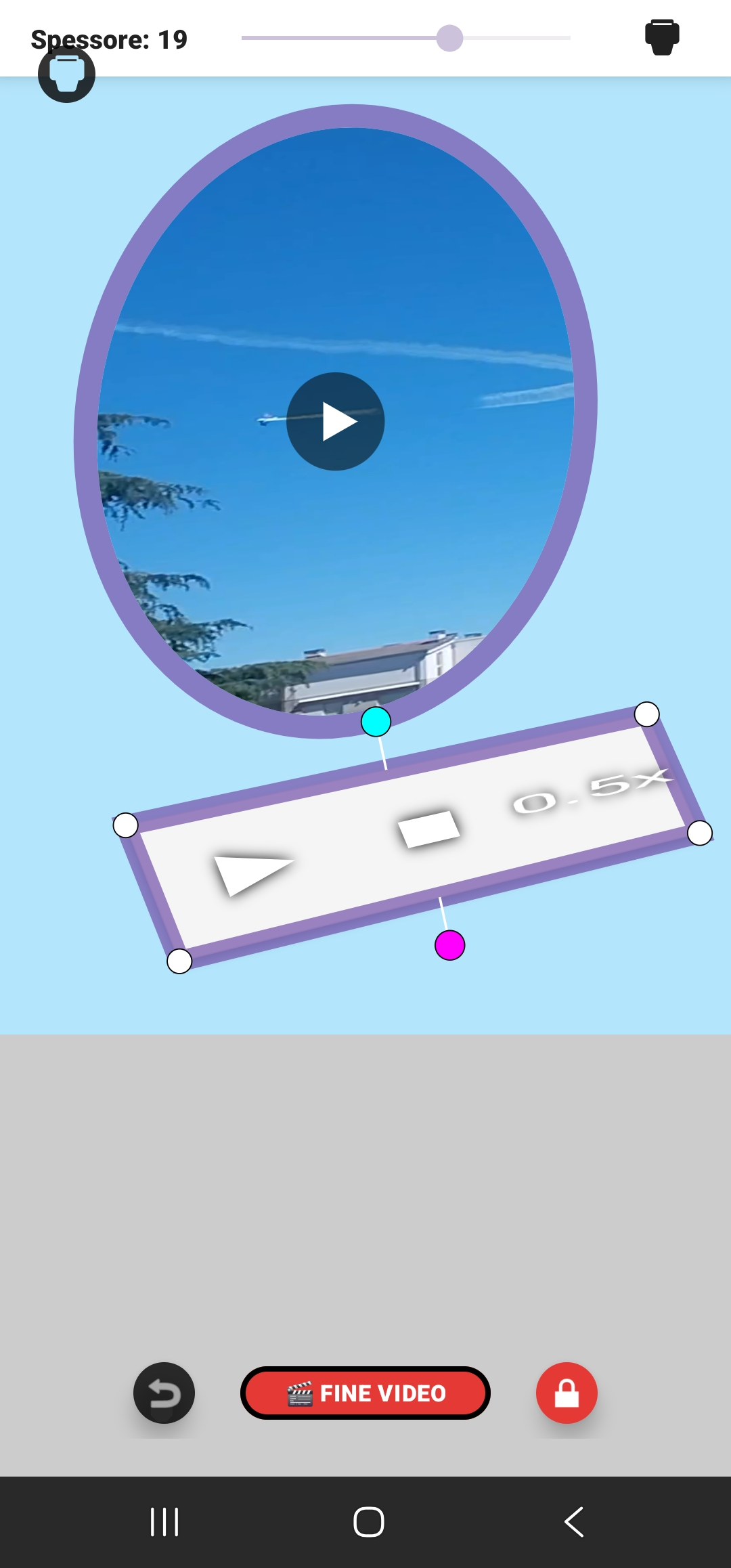
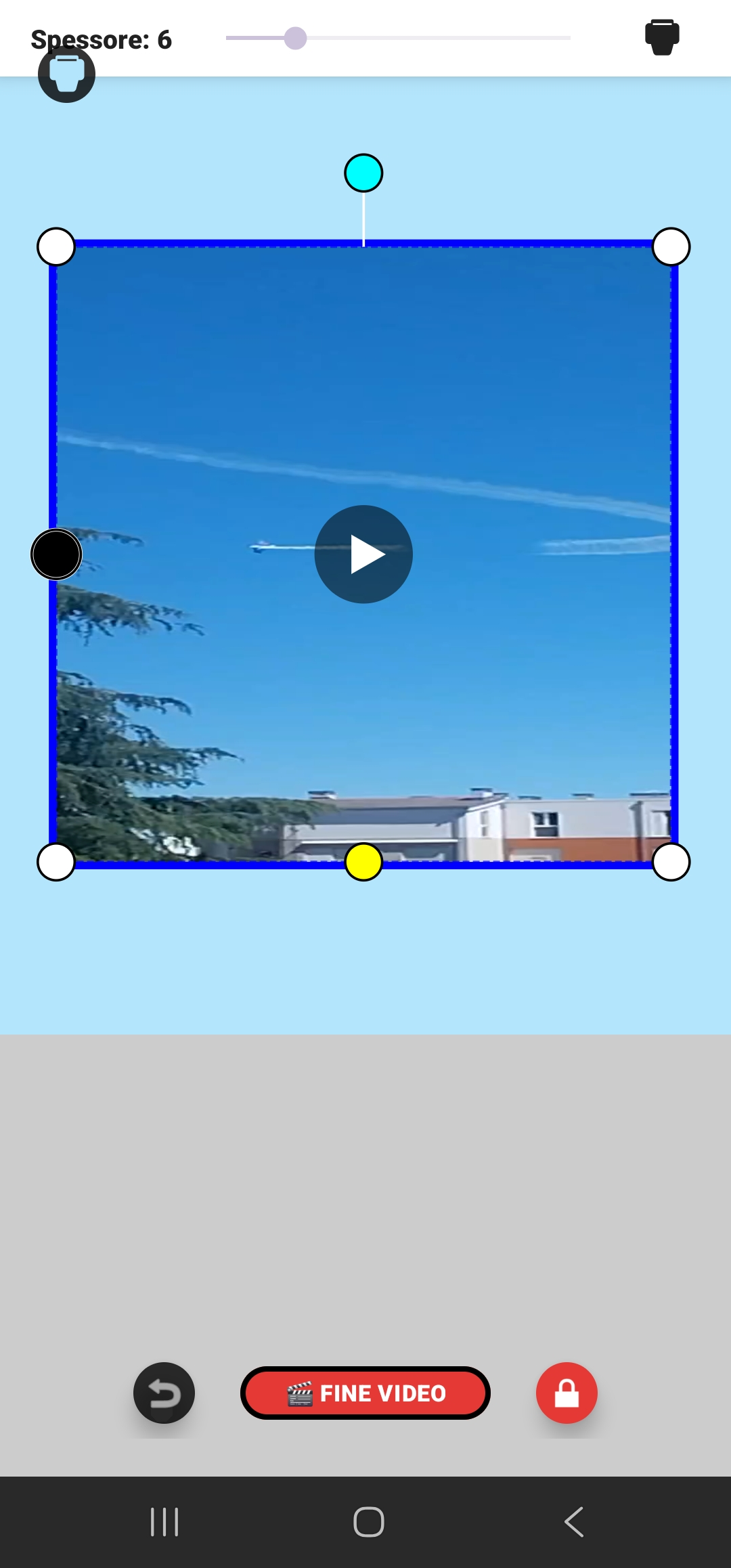
A static photo is not enough to explain a concept? **Paste a real video onto the page!** PdfForAll lets you embed interactive MP4 videos directly onto the pages of your document. Thanks to the exclusive built-in **SerVideoPlayer** engine, playback is smooth, vector, and native: you can control the track, resize, rotate, and even change the playback speed of the video directly on the PDF.
🕹️ The "VideoTentacles" Controls:
- Black Dot: Single click to show/hide the player remote control; double click to hide it.
- Yellow Dot: Instantly changes the crop mask of the video shape.
- Cyan Dot: Resize and rotate the video with total freedom on the page.
- White Dots: Modeling and perspective deformation tools for the video.
- 🪣 Paint Bucket (Toolbar): Quick click to open the horizontal toolbar; long press to open the Android Palette to change the frame color.
- 📏 Thickness: The slider adjusts the final border thickness of the video.
✍️ Text Editing, "Whiteout" & OCR Text Extraction
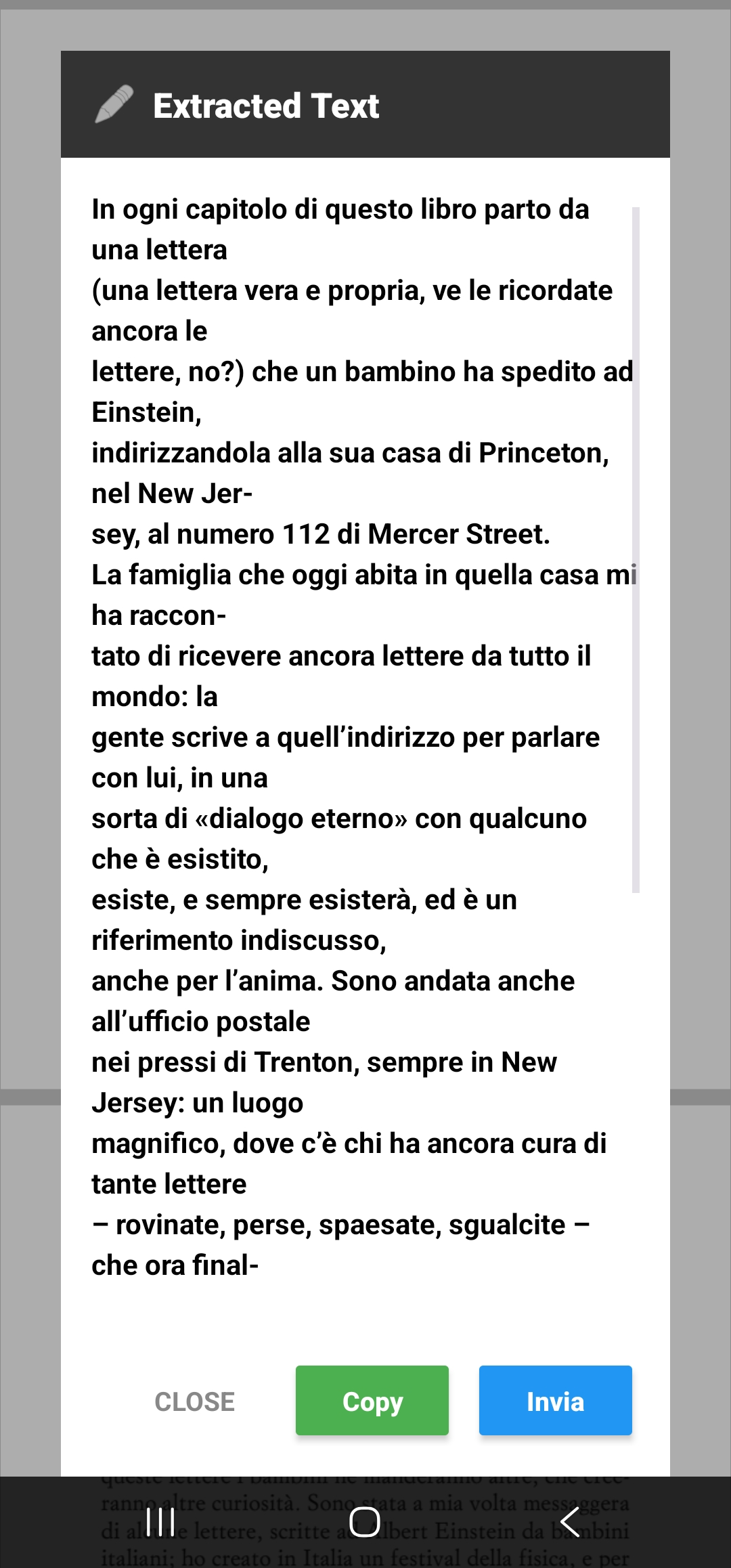
Edit, correct, and insert text with millimeter precision. If you need to correct a scanned document, the Sostituzione (Replacement) feature analyzes the paper color, creates an invisible "virtual whiteout" mask, and lets you write over it. With the exclusive **OCR Extraction feature**, the app analyzes the image and lets you select the scanned text to copy to your clipboard, share, or read aloud.
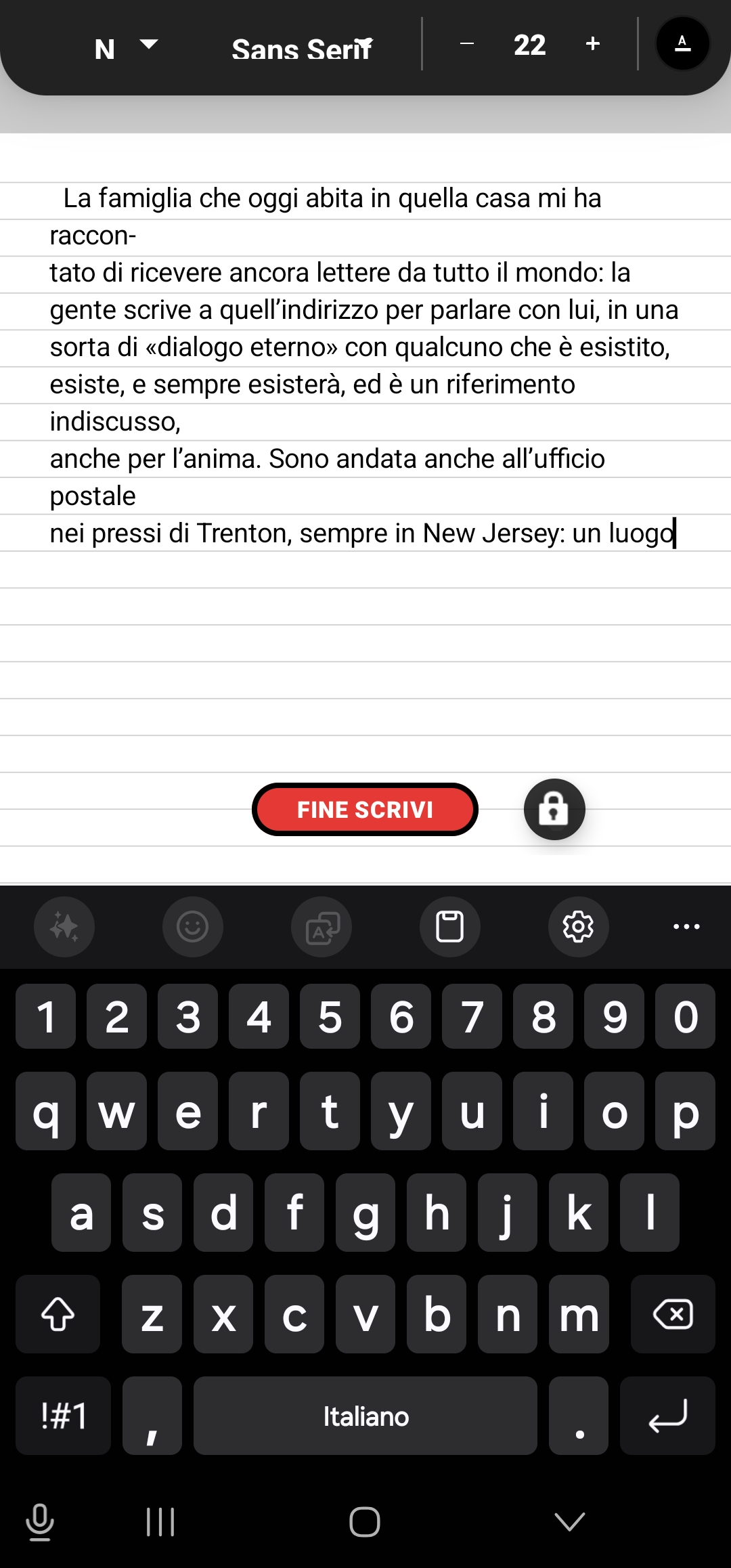
• **Upper Editing Bar:** Choose font family (e.g. Sans Serif), set font size (e.g. 22pt), manage colors, styles, and alignment.
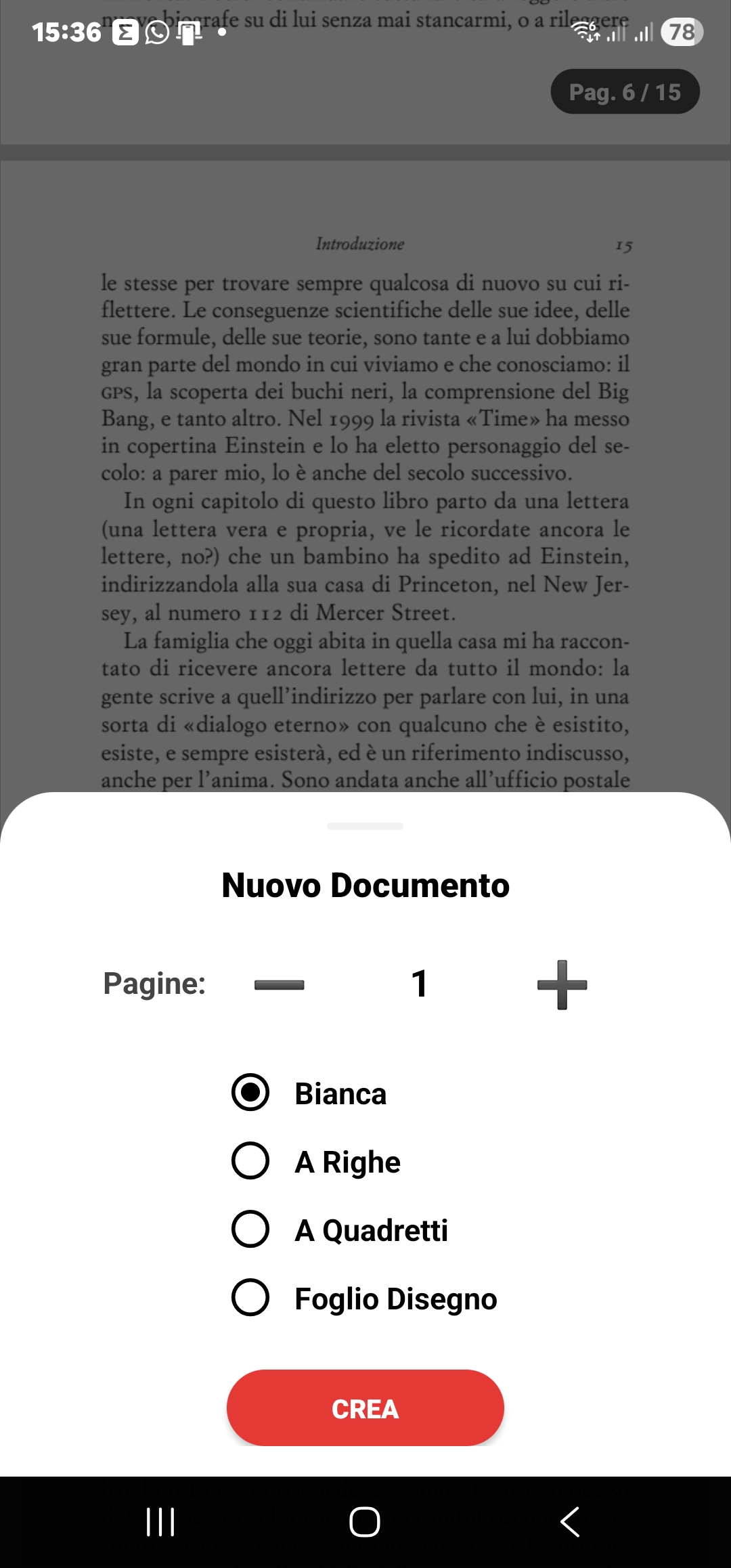
• **Page Choice:** Choose the ideal paper type for your notes: Blank, Lined, Squared, or Drawing sheet.
• **Save & Security:** Click DONE WRITING to confirm and use the Lock icon to freeze elements and protect text from accidental movement.
🔍 The Smart Scanner (Multi-Page Scan)
Acquire any text or paper document with your camera. Thanks to Google ML Kit AI algorithms, the app removes shadows, straightens folds, and cleans the background. It supports **Multi-Page Scanning** of multiple pages at once and lets you **attach them to existing pages** in your PDF file.
📸 Perspective Photography & Secure Albums
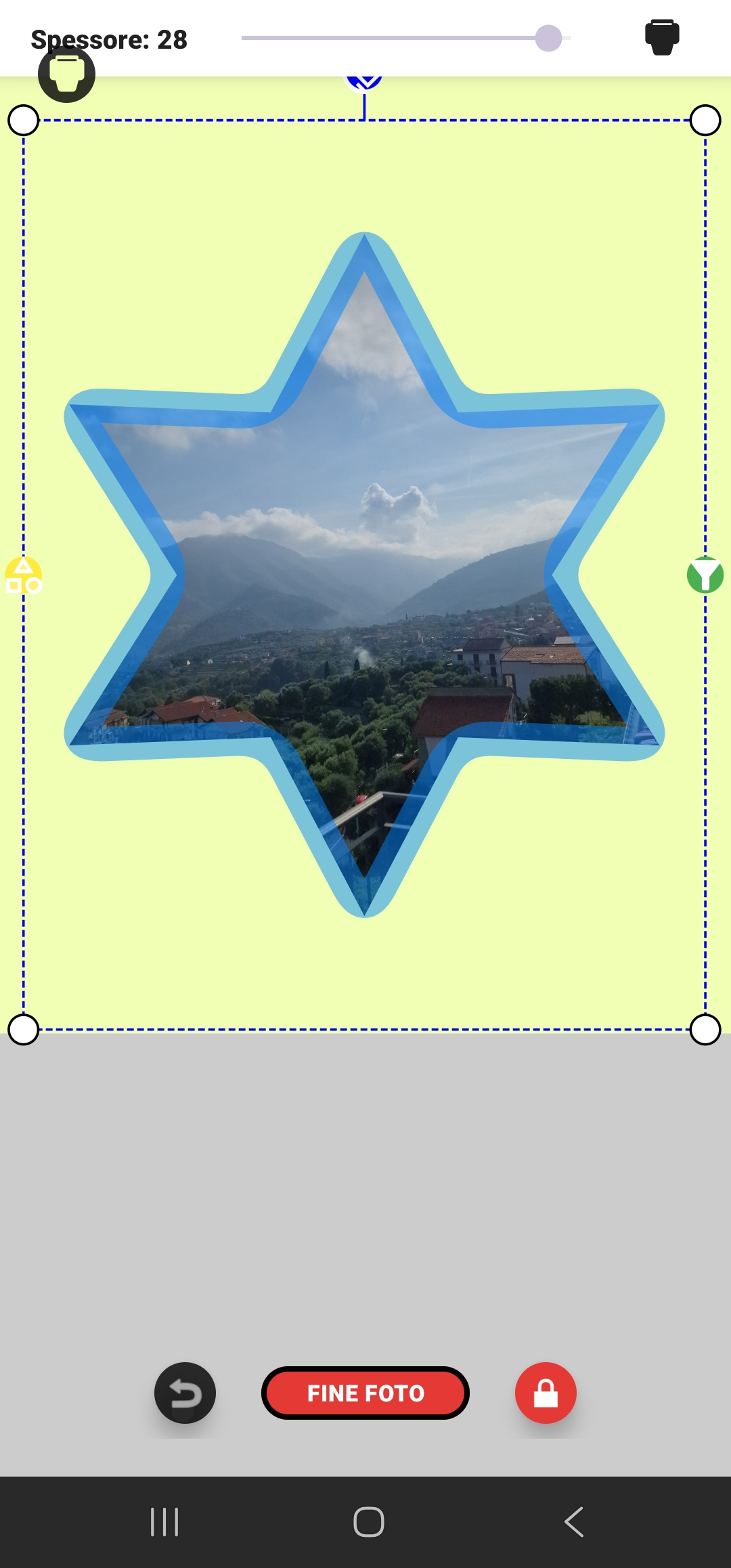
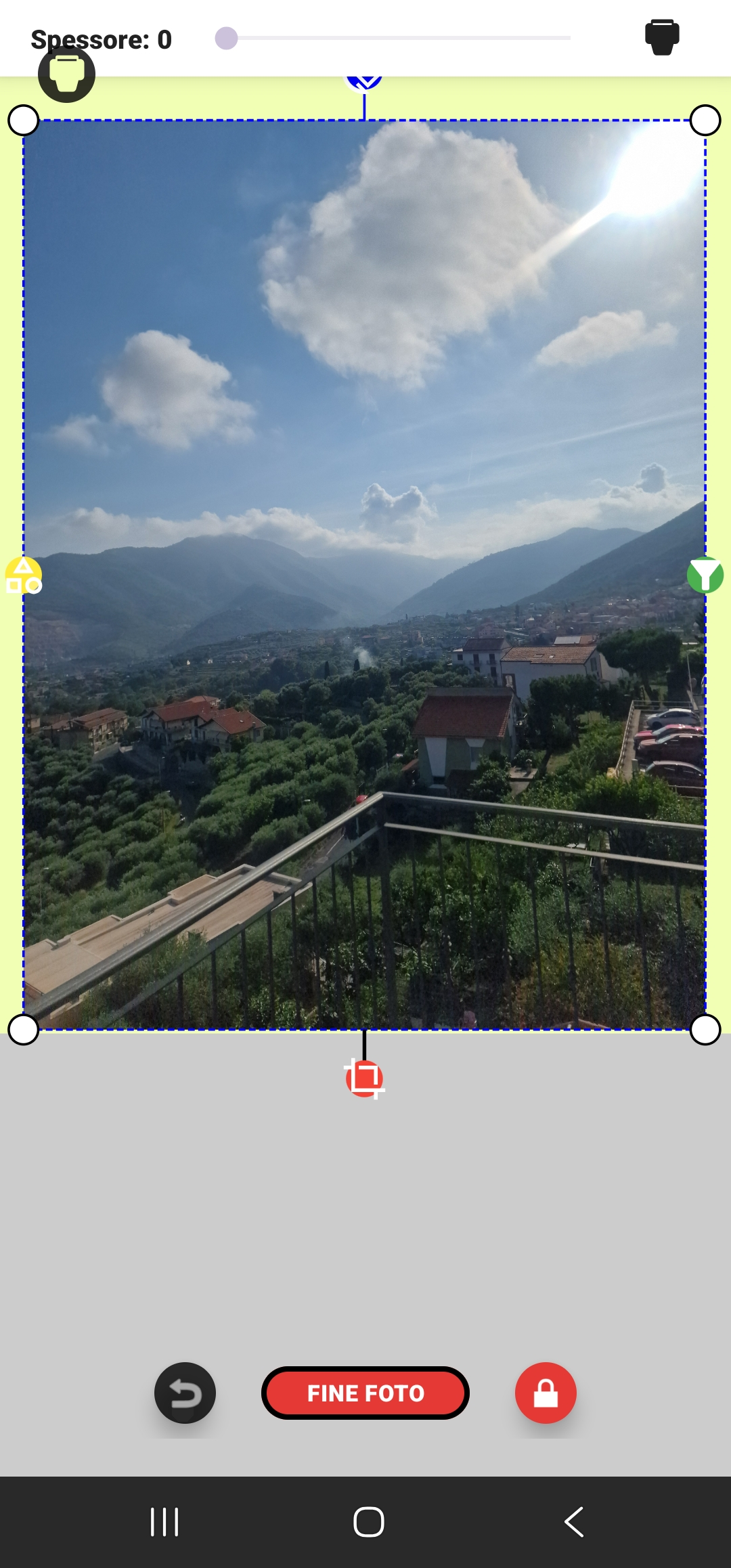
Create professional photo albums on your document. Take a photo from any angle and use the Perspective Cropper to straighten it on the page optimally. Rotate images using the Magnetic Rotation Tentacle with snap-to-angle at 0/90/180 degrees, or crop them into geometric or creative shapes.
🕹️ The "PhotoTentacles" Controls:
- Yellow Dot: Each click changes the border/frame style of the photo.
- Red Dot: Activates the perspective cropping of the image.
- Green Dot: Applies real-time graphic filters (Black & White, Sepia, etc.).
- Blue Dot: Rotates and resizes the image with magnetic guides.
- White Dots: Allow perspective modeling and deformation of the photo.
- 🎨 Thickness & Palette: Adjust border thickness with the slider and choose the perfect color using the built-in palette.
📐 CAD Vector Drawing, Protected Signatures & Emojis
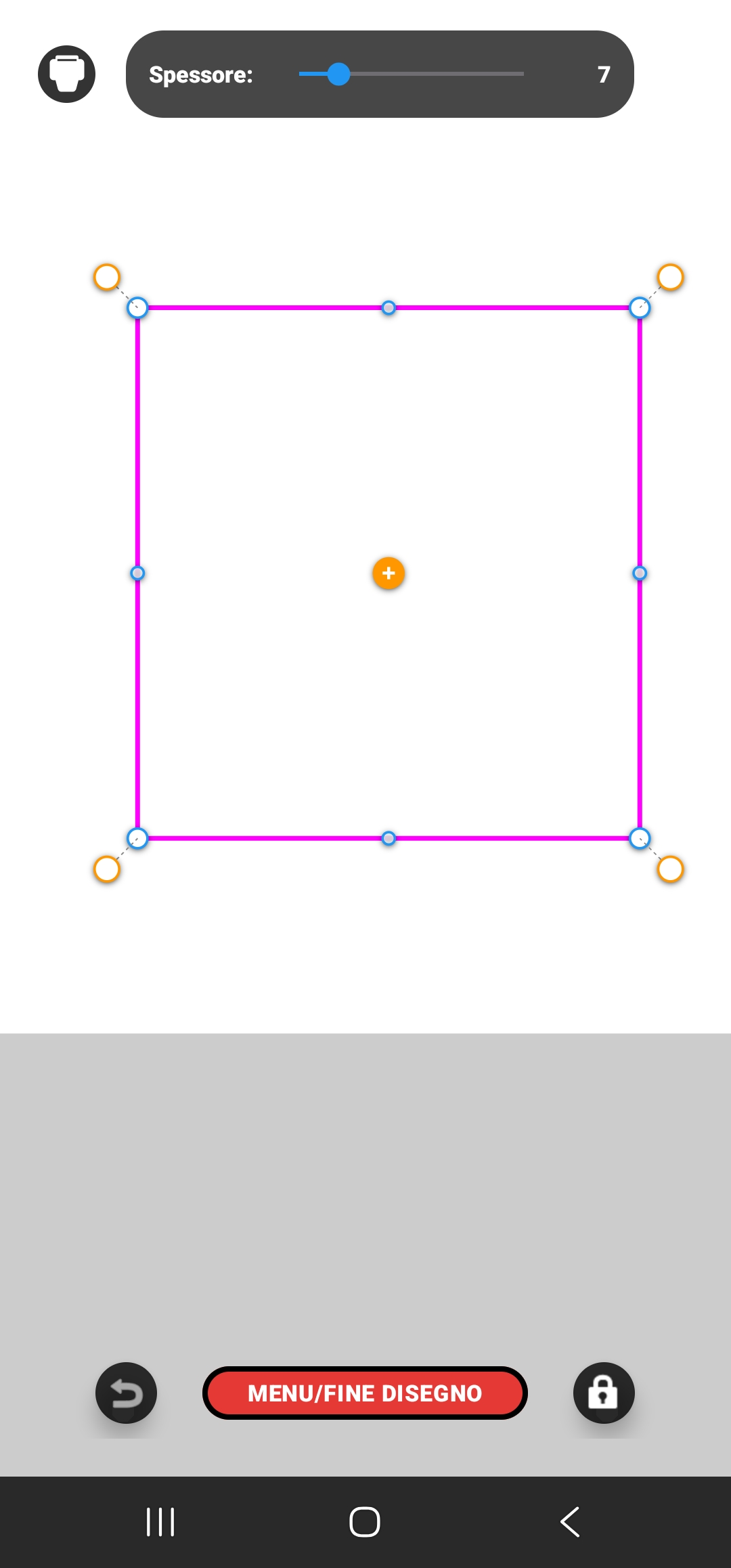
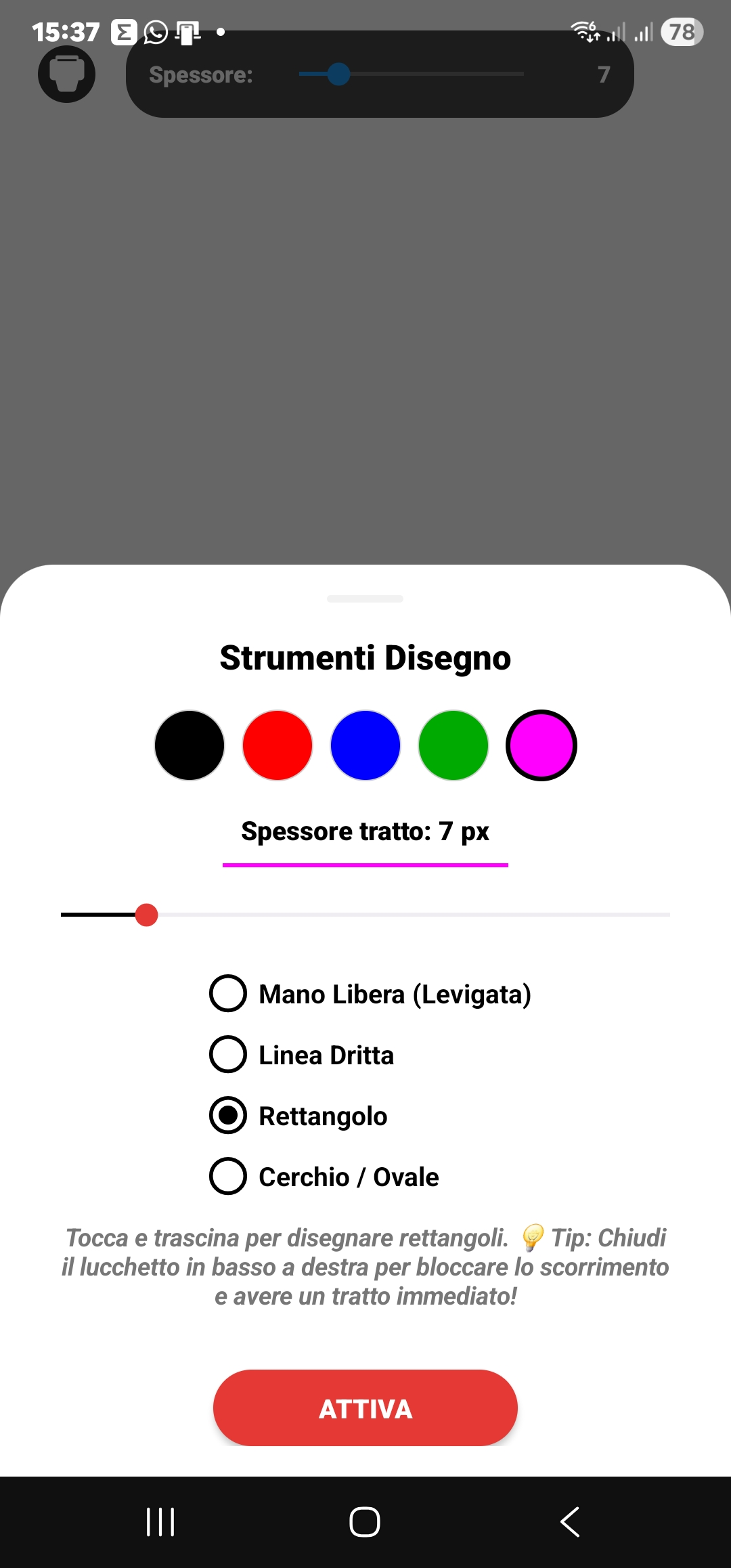
Draw lines, geometric shapes, circles, and rectangles with the vector node modeler. Apply your formal or commercial signature: the app creates a special "Protection Shield" that locks the signature image, making it impossible to edit, deform, or accidentally remove from the page. We also added a dedicated **Emoji Stamp panel**! All placed emoji stamps retain a cyan 360-degree magnetic rotation handle, letting you decorate and annotate your pages with complete expressive freedom, while actual signatures remain solid and horizontal.
Choose among Freehand, Straight Line, Rectangle, Circle, or the Symbol Stamps panel. Adjust thickness, colors, and fills in real-time.
🗂️ Folder-Structured Archive
📁 Client Archive & Mini-CRM
Organize your clients' documents neatly in dedicated physical folders on your device. The app recognizes which folder the document belongs to and organizes it automatically, allowing you to split work, study, or personal files for quick access.
🍊 Save as Draft or Sealed Archive
Manage the file status. Save as **Draft** (with an elegant orange warning border on the folder) to be able to reopen the PDF and edit all embedded videos, images, and shapes again. Save as **Sealed Archive** to flatten and permanently lock all elements into an unmodifiable, protected PDF file, ready to be sent.
📦 Secure Backup in .ZIP Format
Export entire groups of folders into a single compressed (.ZIP) file to transfer your data to a new phone or send them to colleagues and collaborators. When extracting the archive, newly imported folders will glow in cyan to immediately alert you to new ready elements.
📖 The Magical Interface Gestures
PdfForAll eliminates endless toolbars and packs all its power into 3 natural gestures:
Activates a tool, inserts a text line, applies a signature on the page, or plays/pauses videos.
Enters editing mode on photos/videos, reopens the keyboard to correct text, or activates quick zoom in empty space.
Opens advanced tool settings, activates the background RGB palette, or starts multiple file selection.
🌍 Native Support in 13 Languages
PdfForAll breaks down every communication barrier. The interface instantly adapts to your device's language or can be changed manually among 13 options:
Ready to unlock the power of your PDFs?
Download the app today and enter the first real digital workspace to best manage your study, work, and leisure time.